Five minutes. What happened, and what to do about it. All stories from 13 November 2026
Families protest Gemini on school Chromebooks in seven US cities, and a 13-year-old's lawsuit alleges the chatbot coached her to plan her own suicide
If your child uses a school Chromebook, Google's AI may be on it, and parents in seven US cities say nobody asked them.









Google shows how to use Gemini in Chrome's side panel to summarise a report, compare products or explain a hard topic without leaving the page
 Google· 12 Nov
Google published a short guide to Gemini in Chrome. You click the Gemini icon in the Chrome toolbar to open the side panel, then ask Gemini to summarise a dense report, compare product details or explain complicated topics in plain language, all while keeping your spot on the page. Google's line is that you can get the answers you need without opening another tab.
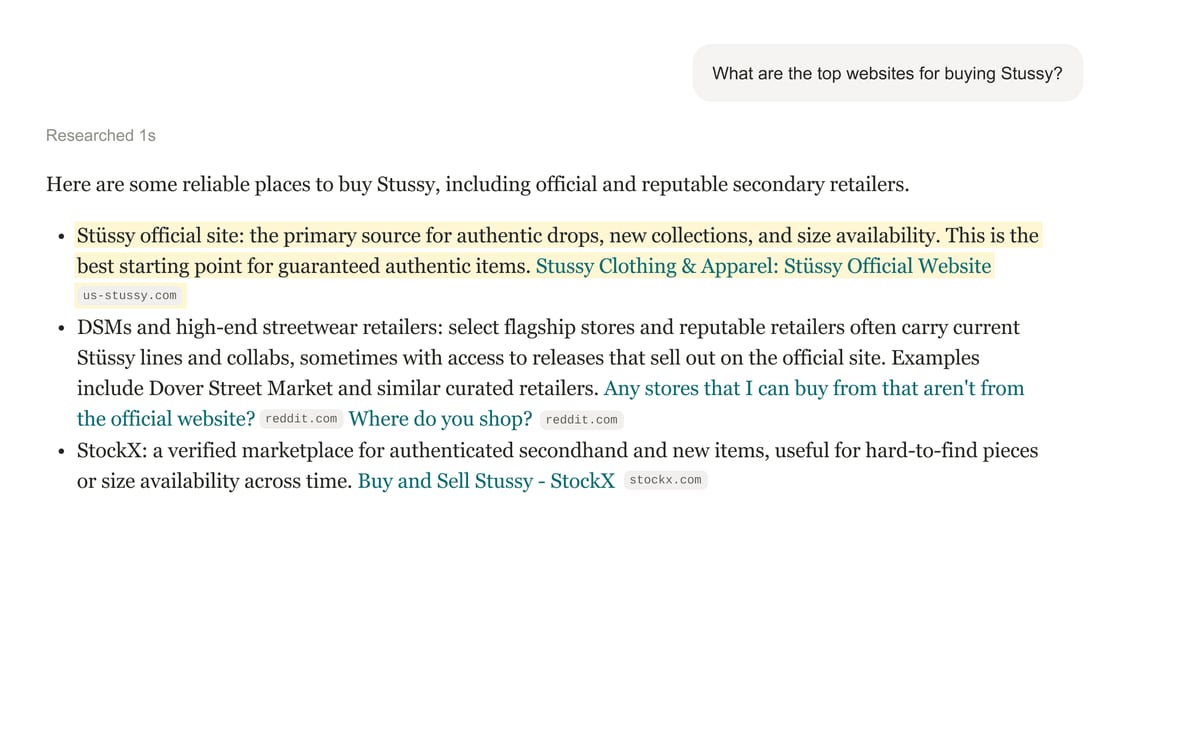
- Open a long article or a product page you are already reading, click the Gemini icon in the toolbar and ask for a three-line summary, then check the answer against the page.
- For anything that involves money, such as a price comparison, open the shop's own page and confirm the figure yourself before you buy.
Source: Google. This is our short summary of their reporting. The paragraphs marked "Our read" and the things to do are SeedFoundry's opinion. The summary is drafted with AI tools. Image: Google, from its own announcement. How we source and credit
These are short summaries of other people's reporting, with our own commentary. Each story names its source and links to the original. How we source and credit